20+ Best Parallax PowerPoint Templates With Smooth Transitions
Static slides can often feel a bit flat, but adding a parallax effect changes the entire energy of a presentation.
This technique creates a sense of depth by moving background and foreground elements at different speeds, making your content feel more like a cinematic experience.
In this collection, we have gathered the best parallax PowerPoint templates that use smooth transitions and smart layering to grab your audience’s attention.
These designs move away from simple fades and instead use fluid motion to guide the viewer’s eye through your narrative.
You will find professional layouts that range from minimal, clean business decks to more creative, image-heavy portfolios. Have a look and start downloading.
Animated Parallax Effect PowerPoint Template

This PowerPoint template transforms presentations into an immersive cosmic adventure with stunning parallax motion and sleek space-themed aesthetics. Ideal for professionals and creatives, it offers modern, customizable slides with editable features and a cinematic feel. Perfect for business pitches or visionary projects, it elevates your content into a captivating visual experience.
Parallax Slideshow PowerPoint Template
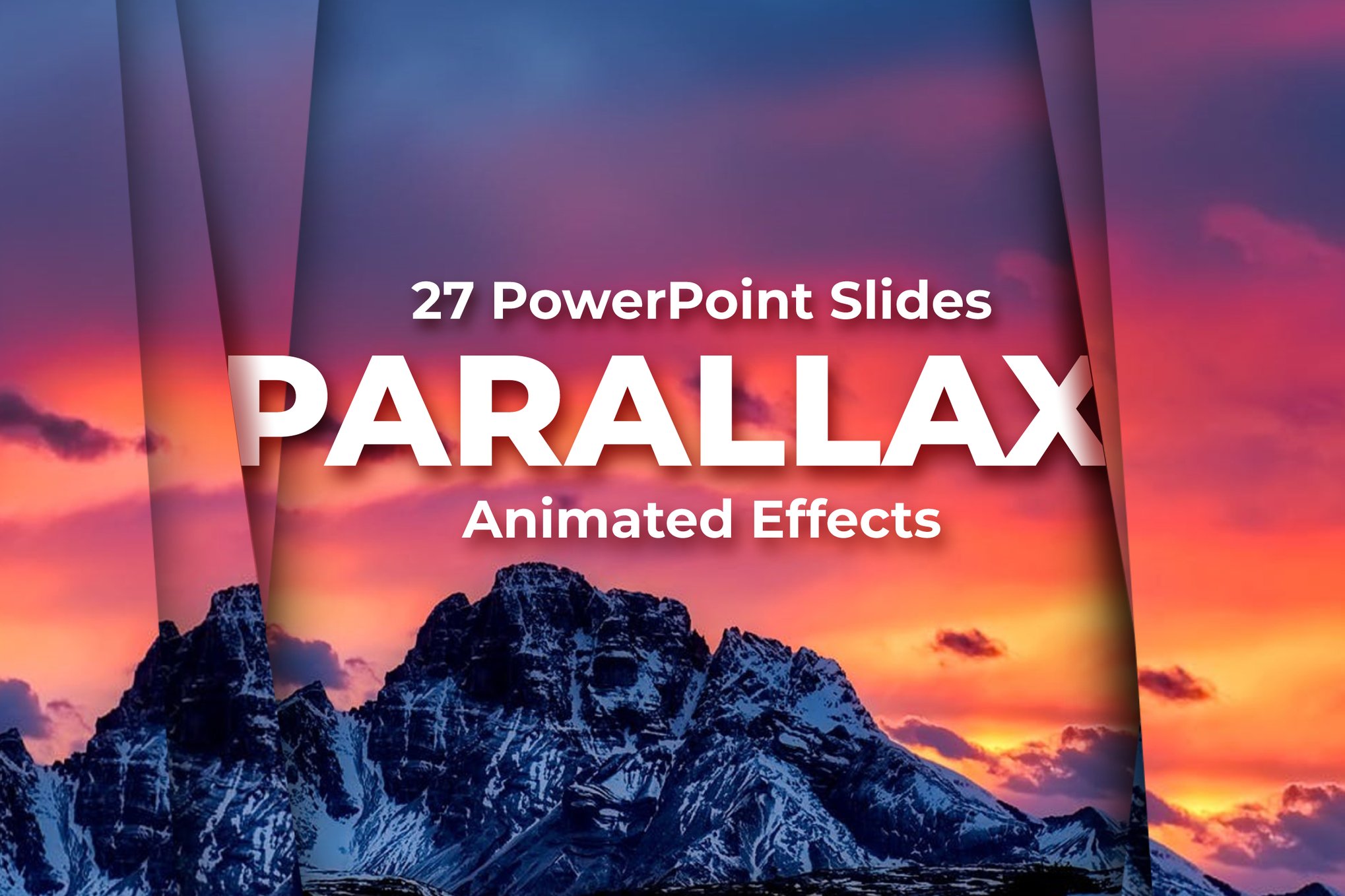
This PowerPoint template offers 27 unique, animated slides featuring parallax transition effects. This technique, where the background moves at a different speed from the foreground, creates a striking 3D depth effect. Optimized for a 16:9 aspect ratio, the template includes a help file for a guide on how to customize as well.
Parallax Effect PowerPoint Template
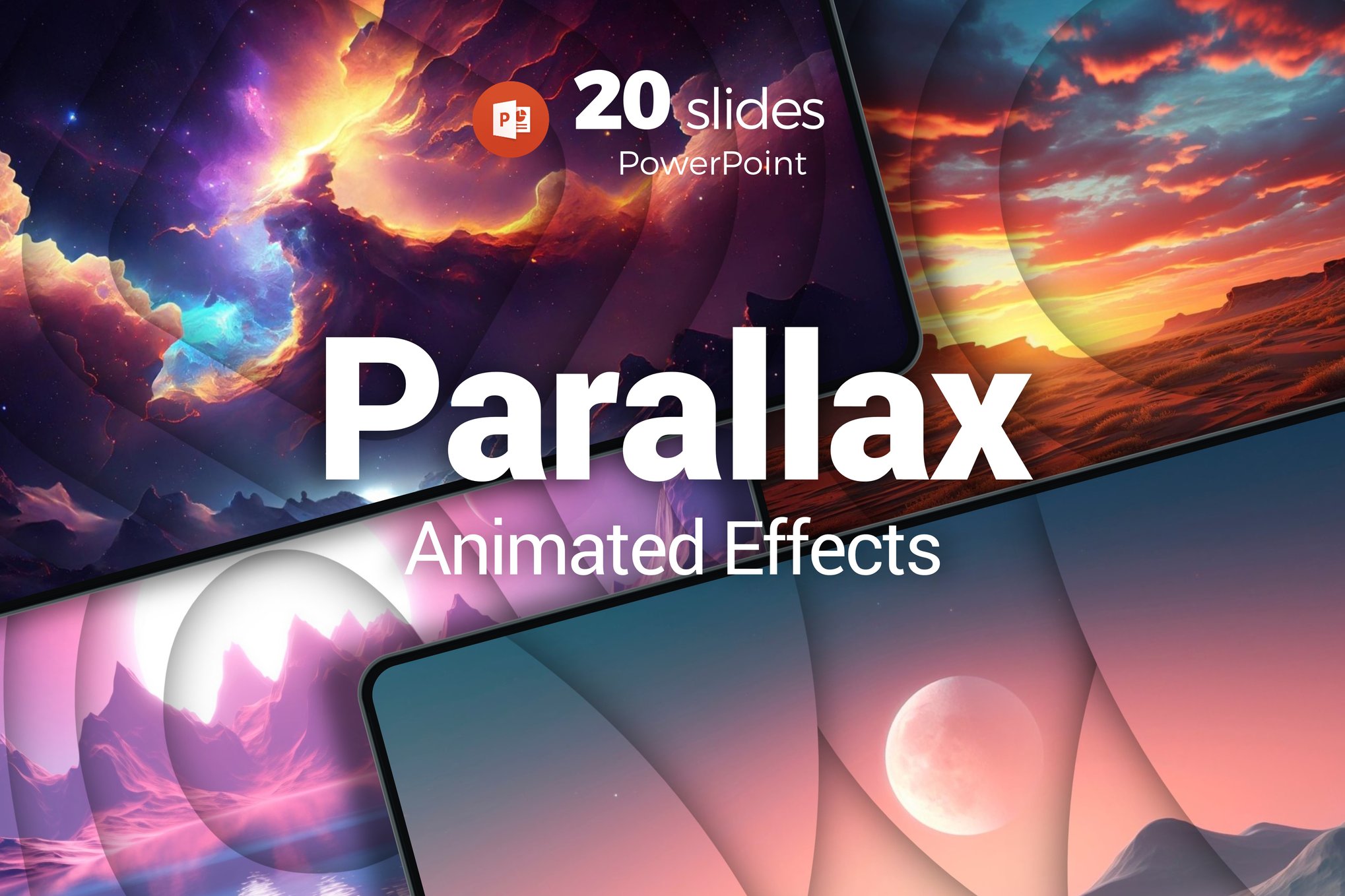
A dynamic PowerPoint template with adjustable parallax effects. It features professional, editable slides in a 16:9 aspect ratio and is user-friendly for customization. A helpful guide with useful links, including fonts, is included for easy setup. You can easily customize the slide layouts and animations as well.
Black Parallax Presentation PowerPoint Template
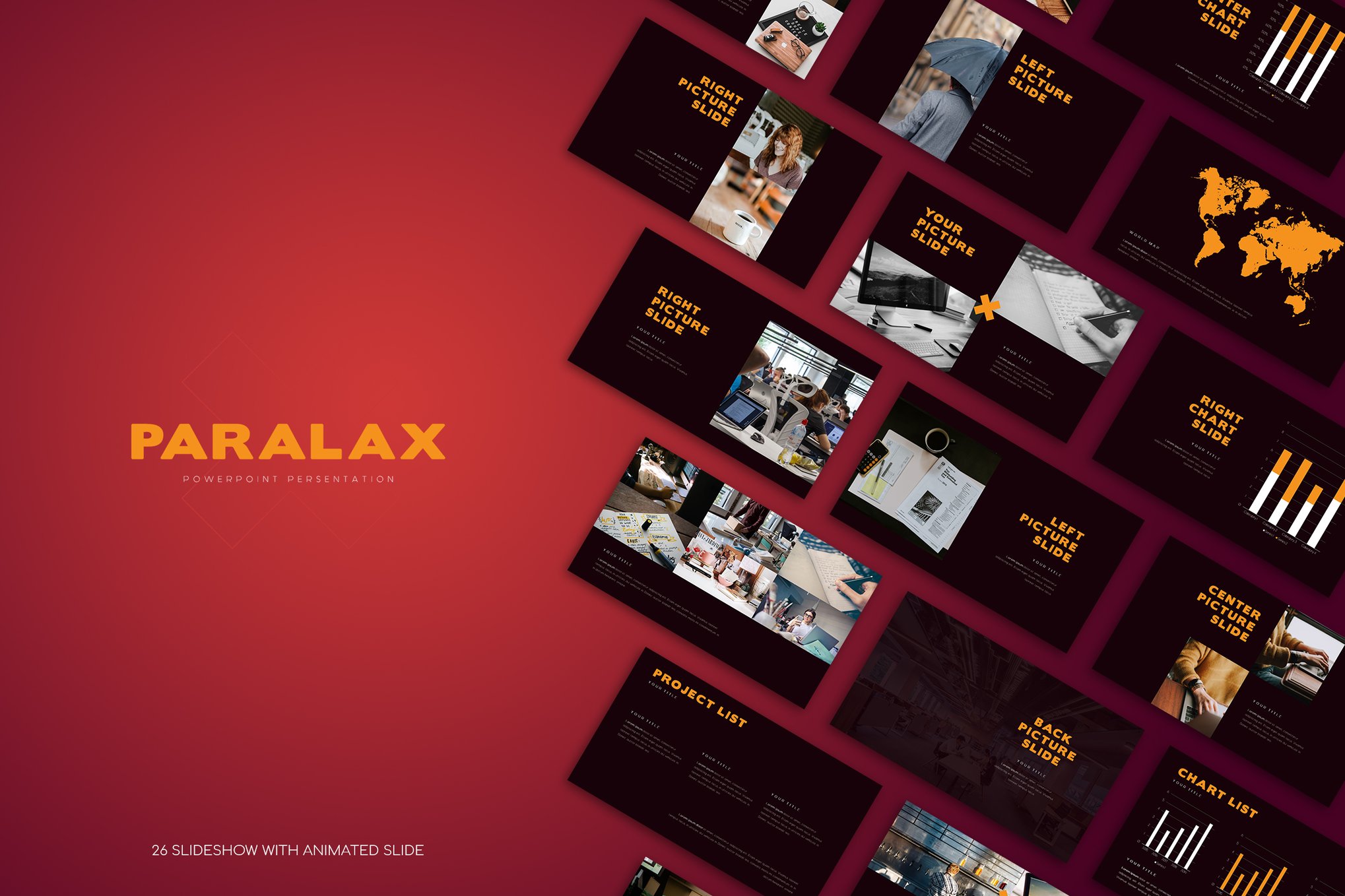
This PowerPoint template offers a modern way to enhance your presentations with sleek parallax effects. With 26 editable pages and an easy-to-use drag-and-drop feature, it ensures a hassle-free customization experience. This template is fully editable in PowerPoint, includes resizable graphics, and utilizes free fonts, making your presentations both professional and visually engaging.
Parallax Scene Vector PowerPoint Template
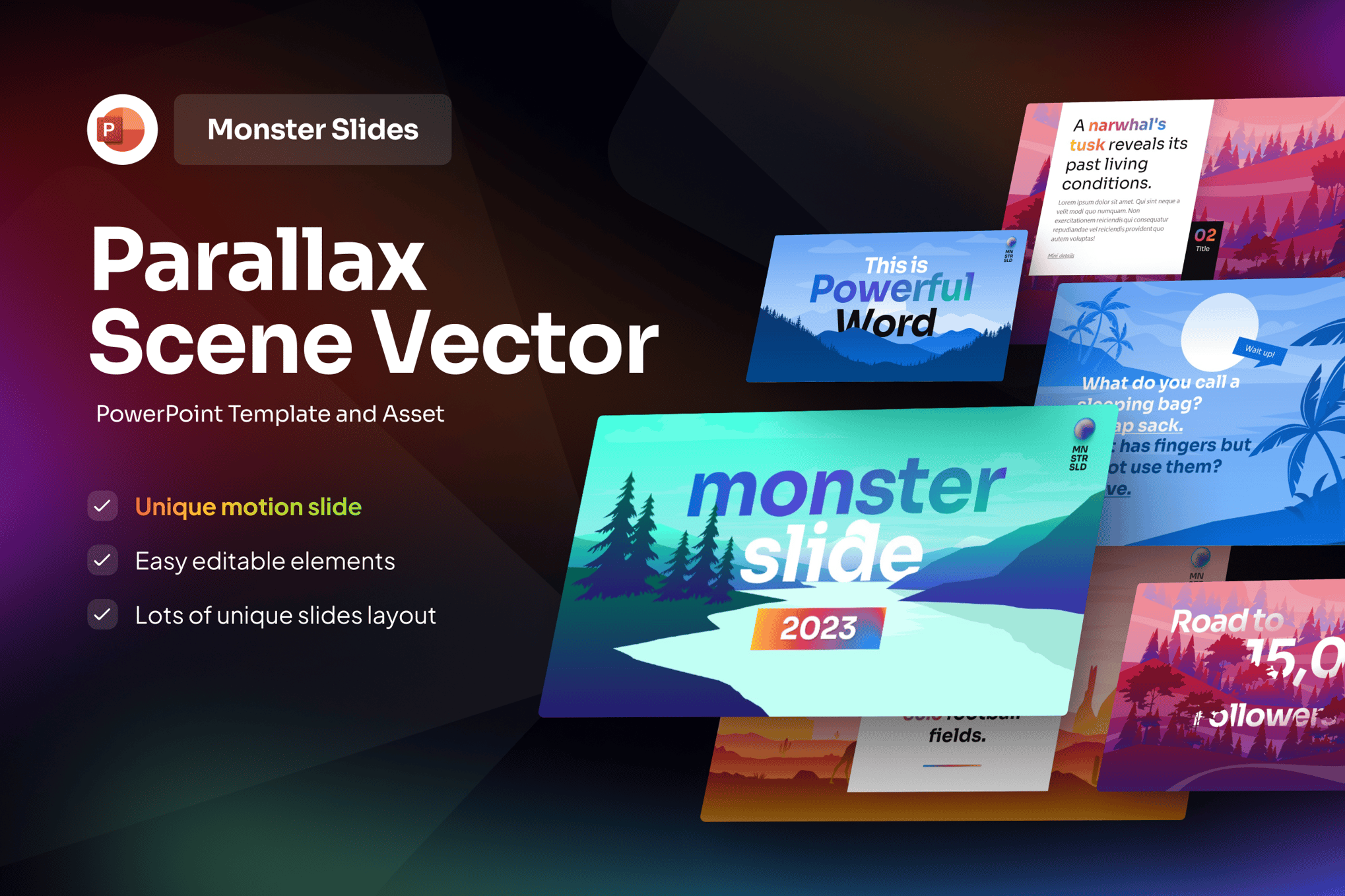
A vibrant and engaging presentation experience with layered vector landscapes and smooth parallax animations. Ideal for brand campaigns, educational content, and event promotions, it features 20 unique, fully customizable slides with options for light and dark backgrounds, designed to make a bold visual impact with its colorful gradients and nature-inspired illustrations.
Parallax – Architecture & Property Presentation
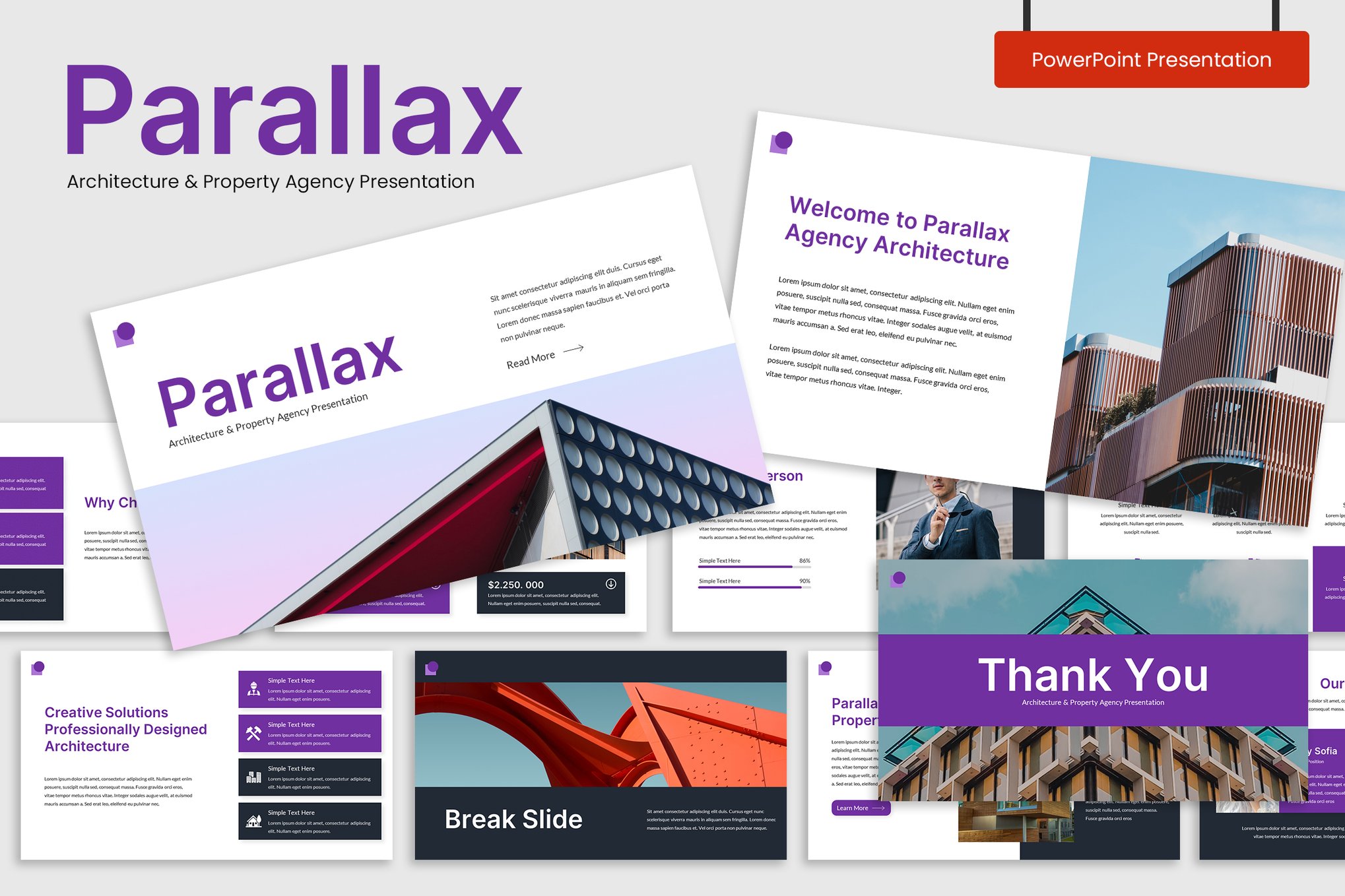
This is a versatile PowerPoint template designed with parallax effects. Ideal for architecture, property agencies, and creative industries, it features 30 unique, easily editable slides with a 16:9 widescreen ratio. The template includes resizable graphics, active slide numbers, and picture placeholders, providing a dynamic and professional presentation experience.
Parallax Business Timeline PowerPoint Template
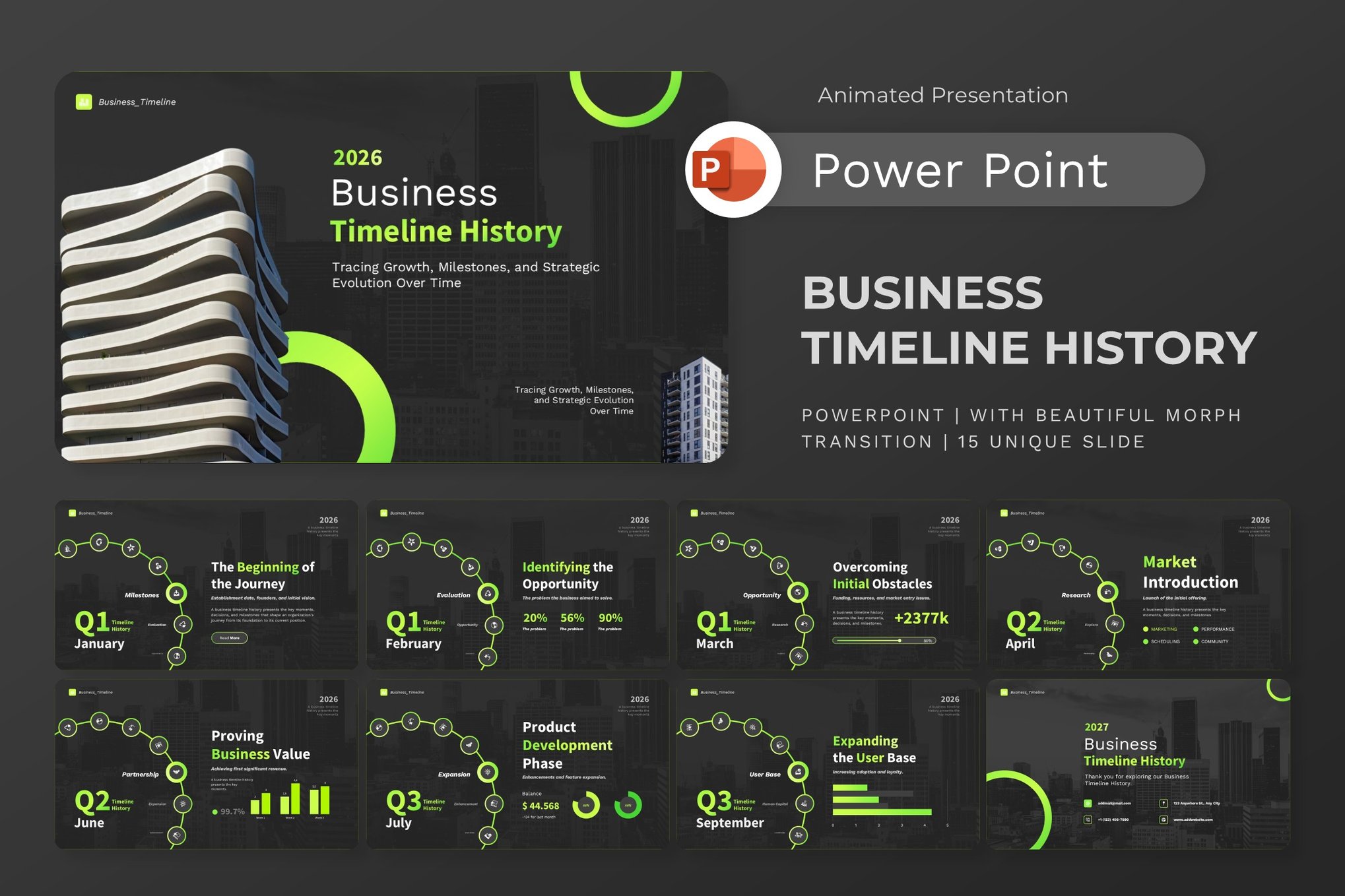
This PowerPoint template offers a dynamic and engaging way to showcase your company’s journey. With its parallax effects and customizable slide deck, it elevates any presentation, making it perfect for highlighting corporate histories or strategic milestones. It features high-resolution visuals and professionally designed layouts, ensuring your presentation is both captivating and visually impressive.
Space Themed Parallax PowerPoint Template
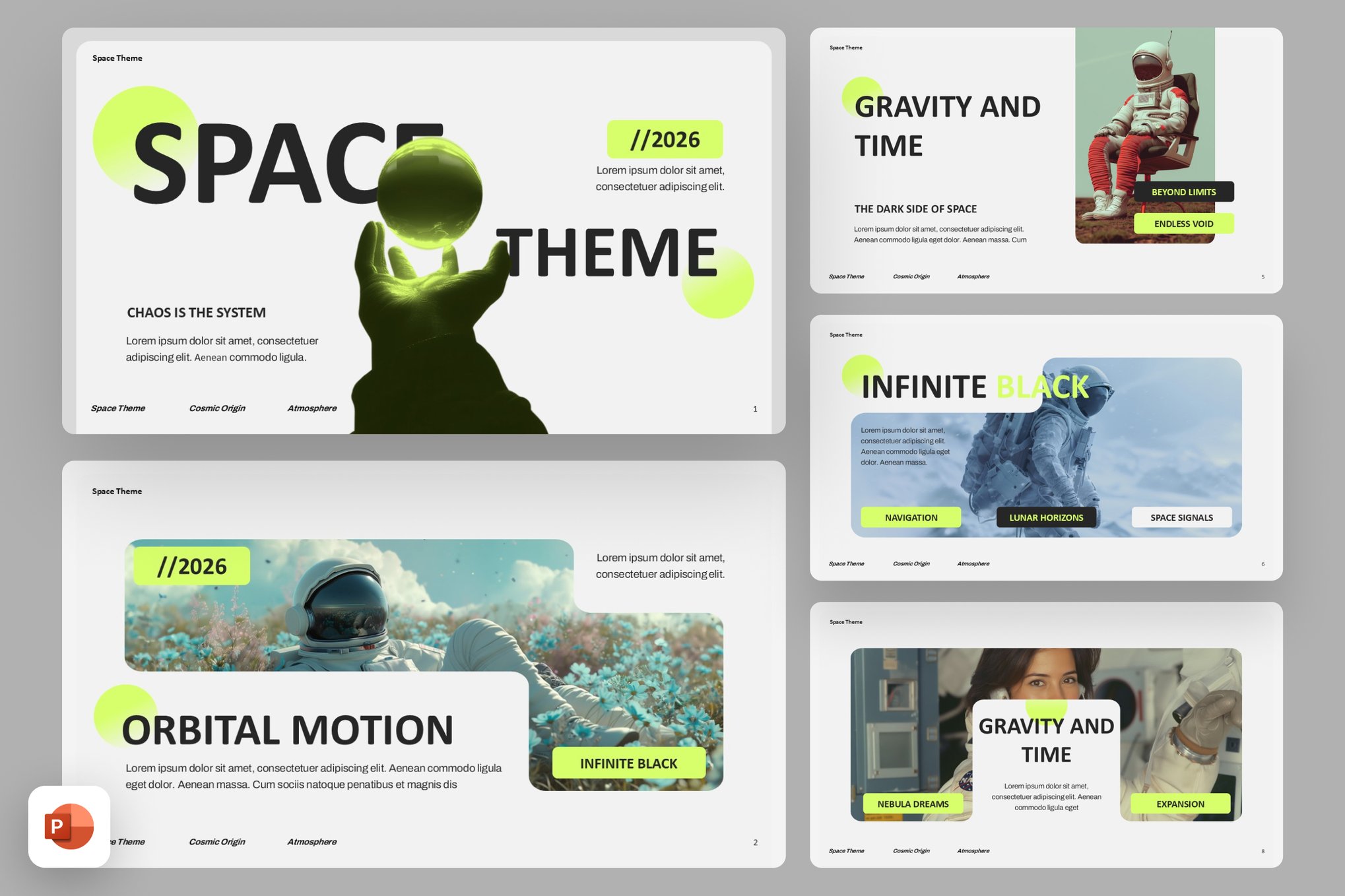
Add a futuristic touch to your presentations with this space-inspired presentation and dynamic parallax effects. It features fully editable slides with infographics, timelines, and more, all in a 16:9 widescreen format. Perfect for tech companies, startups, and creative agencies, this template ensures your content is presented with clarity and impact.
Green Parallax Slideshow PowerPoint Template
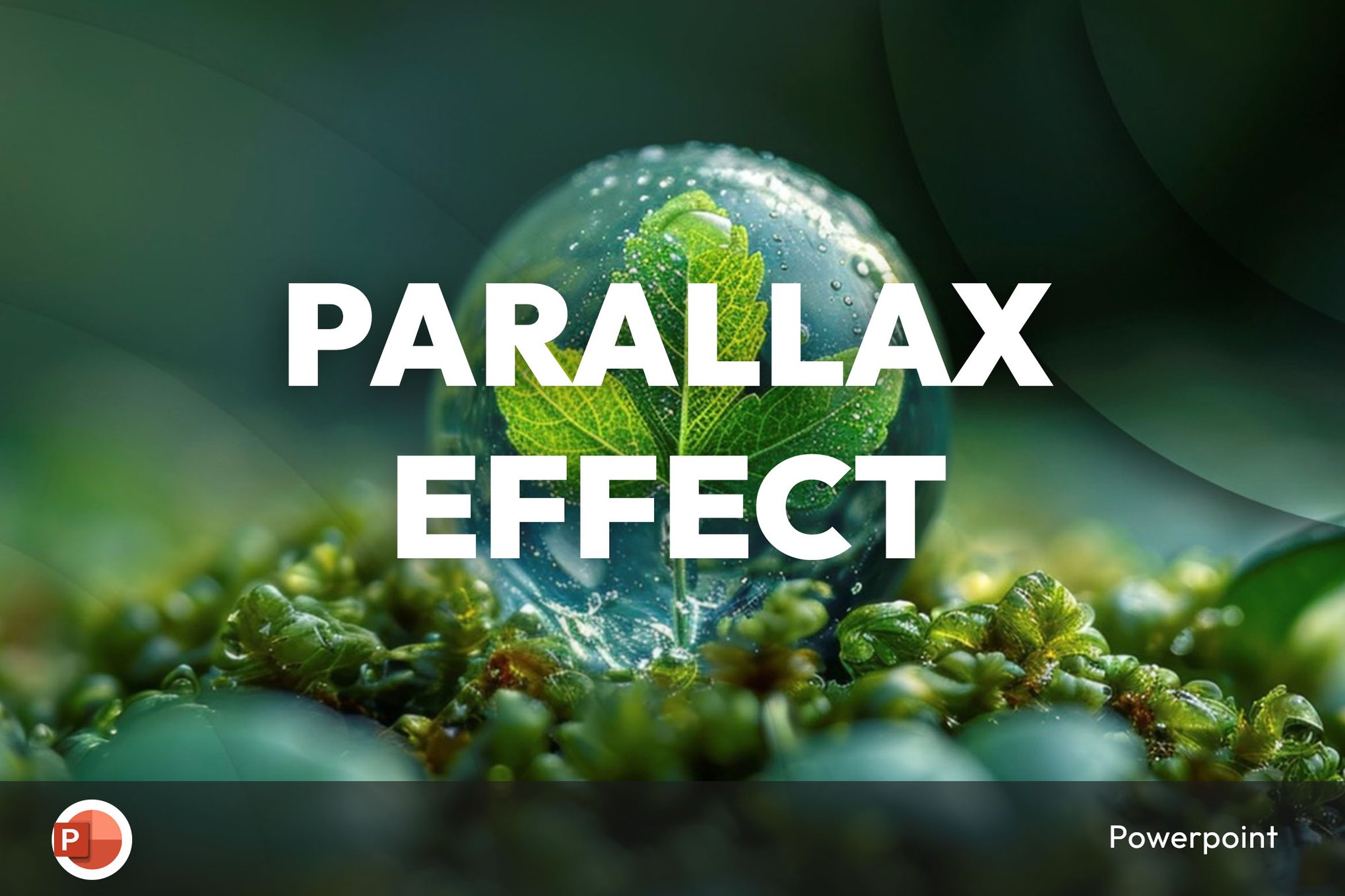
A sleek and versatile PowerPoint template featuring engaging parallax effects for both corporate and personal presentations. With a modern design and easy customization, this template enhances presentation quality for various topics like business, technology, and education. It includes a PowerPoint file and help guide.
Parallax Effect Music Concert PPTX
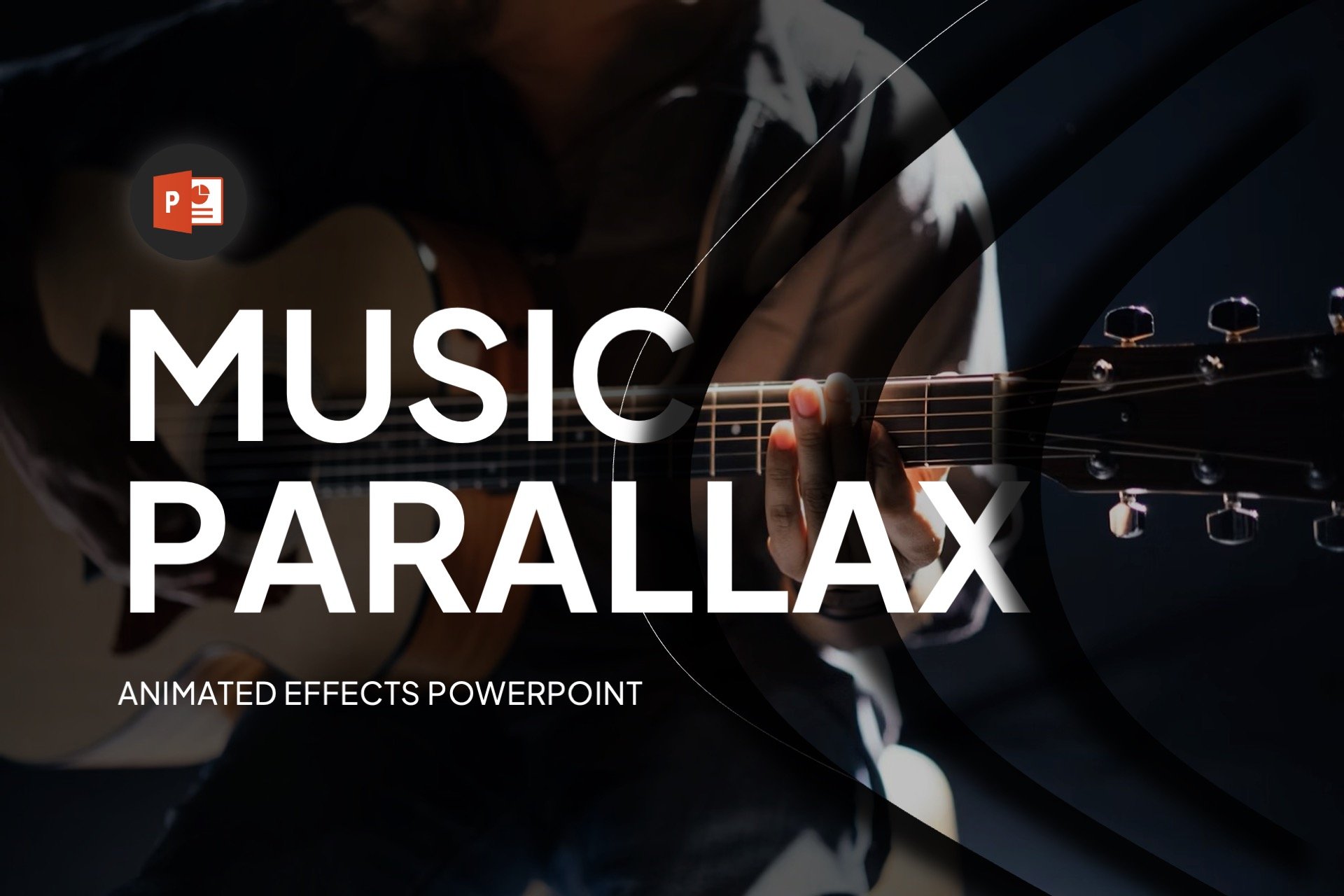
This is a dynamic PowerPoint template designed to elevate your presentations with cool effects. With its modern, creative style and user-friendly features, you can customize fonts and colors effortlessly. The 16:9 widescreen aspect ratio and easy drag-and-drop image functionality make it flexible for all your needs.
Animated PowerPoint With Parallax Effect

A visually stunning PowerPoint template perfect for both corporate and personal presentations. Featuring high-resolution visuals and a beautiful parallax effect, this template is easy to customize and professionally designed. Ideal for various presentation types, it ensures your content stands out.
Parallax Business Pitch Deck PowerPoint Template

This is a versatile PowerPoint template ideal for corporate settings. With its parallax effects, clean design, and customizable elements, it allows users to deliver professional pitch decks effortlessly. The template features a master slide layout, drag-and-drop photo replace, and a full HD 16:9 ratio, making it easy to align with your brand.
Elegant Parallax PowerPoint Template
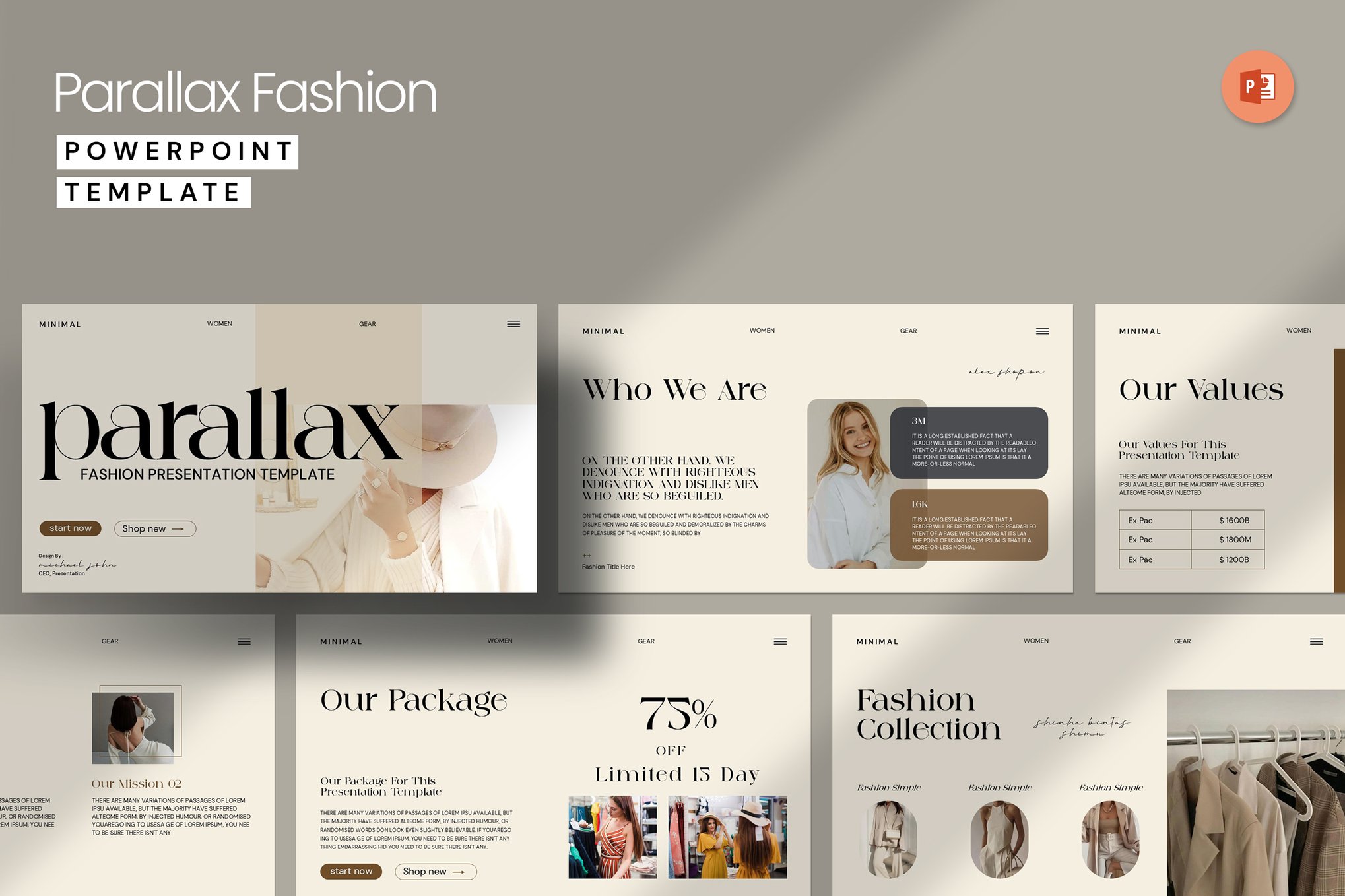
This PowerPoint template offers a sleek and modern design to showcase your work effectively. With 27 fully editable slides, creative layouts, infographics, and vector icons, it brings your presentations to life. This classic presentation allows you to captivate your audience effortlessly.
High-Tech Animated Parallax PowerPoint Template
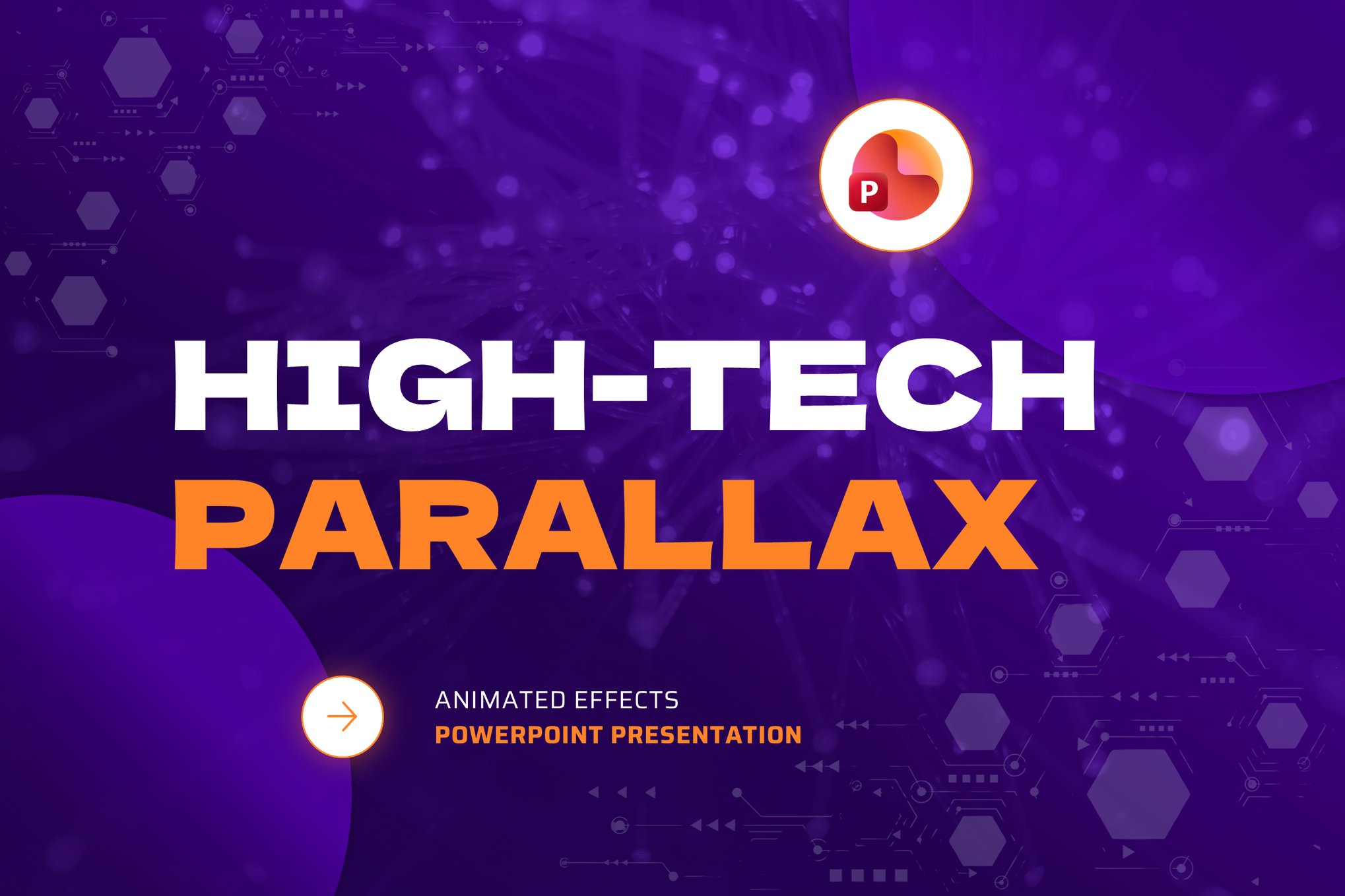
This is a modern, creative PowerPoint template that enhances your presentations with stunning parallax effects. It’s designed for easy customization, allowing you to adjust colors and fonts to suit your needs. With a 16:9 aspect ratio and drag-and-drop image functionality, it’s flexible and user-friendly, perfect for anyone looking to elevate their slides to the next level.
Business Portfolio Parallax PowerPoint Template

This PowerPoint template offers a modern and clean layout perfect for professional presentations. With 44 fully animated slides featuring parallax effects, it’s ideal for showcasing company profiles, agency portfolios, and startup decks. This versatile template includes device mockups, team layouts, and 50 color schemes, making it a dynamic choice for creating impressive corporate overviews and project showcases.
Parallax Effect Tourism PowerPoint Template

This is a modern and creative PowerPoint template designed to enhance your travel presentations. With an easy-to-use, drag-and-drop interface, it offers flexible customization options, including free fonts and colors. Its widescreen aspect ratio ensures a dynamic visual experience.
Nature Parallax Slideshow PowerPoint Template
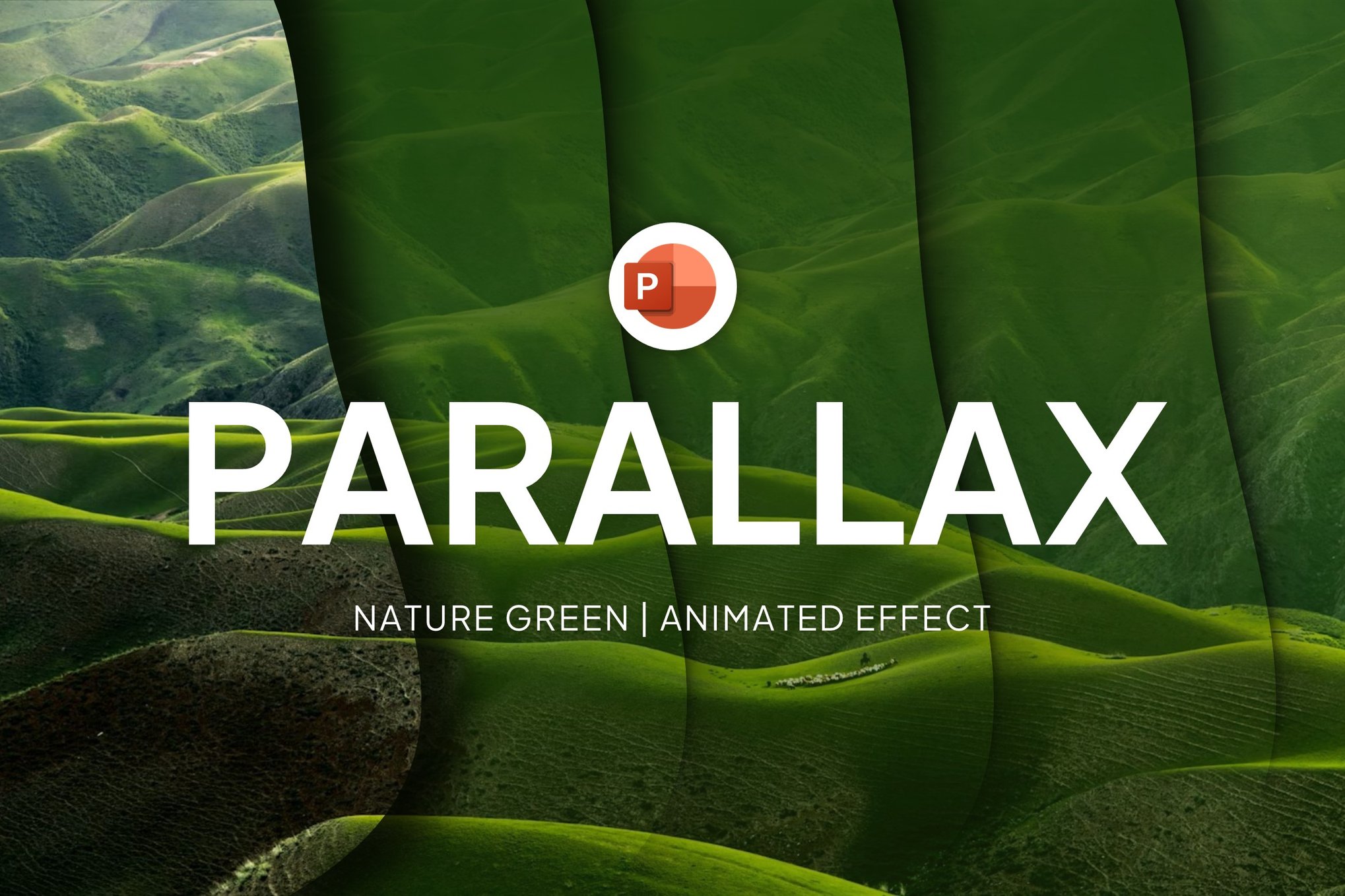
A creative and engaging PowerPoint template to enhance your presentations. With a modern, user-friendly design, it features customizable colors and fonts, a 16:9 widescreen aspect ratio, and an easy drag-and-drop feature for images. This flexible template adapts to your needs, helping you create visually impressive slideshows effortlessly.
Parallax Effect PowerPoint Portfolio Template
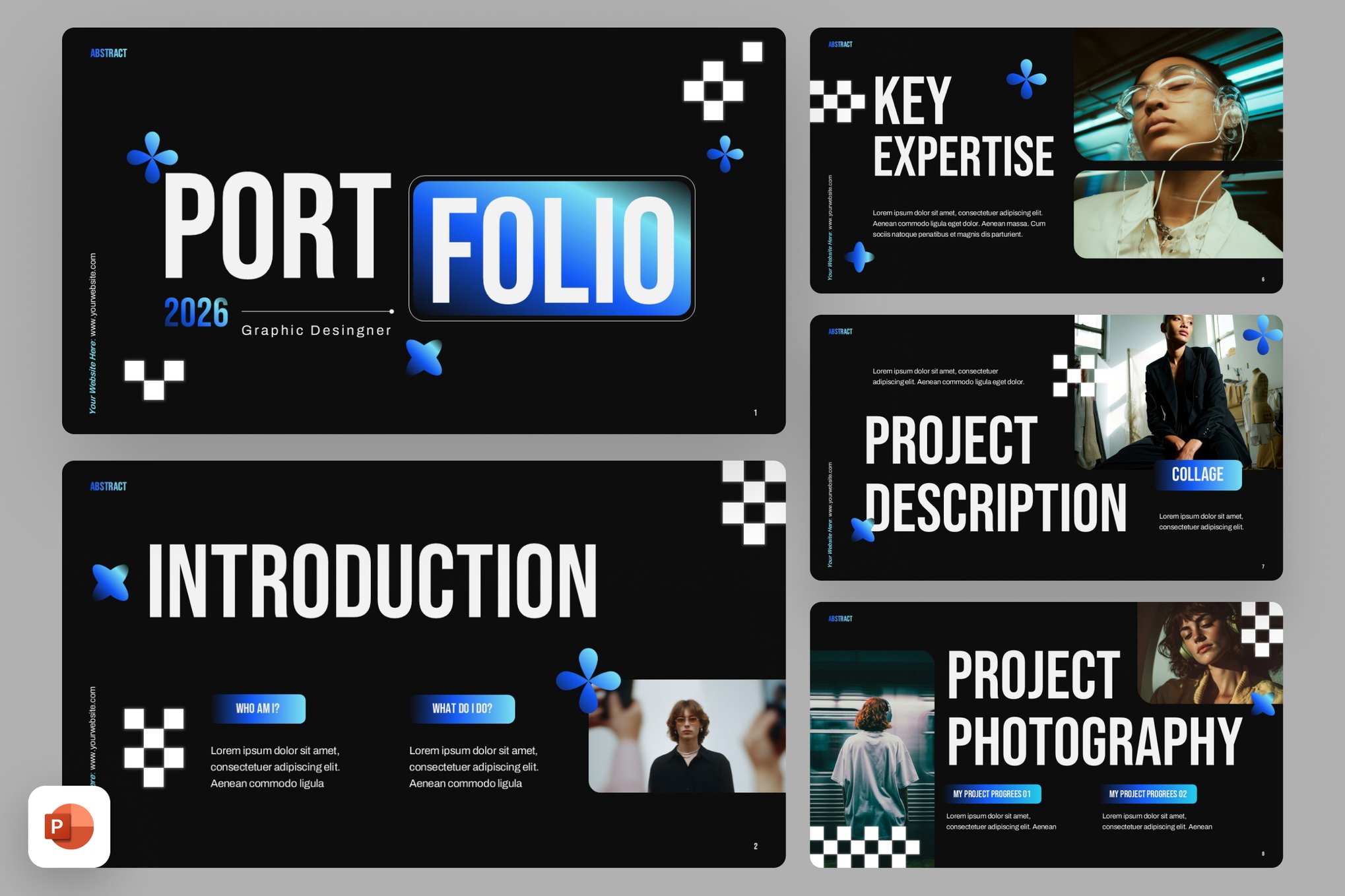
This PowerPoint template offers a bold and modern slide deck to showcase creative work and achievements. With dark layouts, strong typography, and grunge-inspired accents, it highlights photography and design projects effectively. Fully editable slides support easy customization to align with personal branding.
Best Free Parallax PowerPoint Templates
Free Consulting with Morph Transition Presentation

This animated template uses smooth morph transitions to create dynamic, parallax-like movement between slides. It’s ideal for consulting pitches, business proposals, and professional decks that need motion to keep attention engaged.
Effective Workflow – Free Parallax PowerPoint Template

Effective Workflow combines subtle animations with structured layouts to illustrate processes, steps, and systems with visual clarity. The parallax-inspired effects help guide viewers through workflow stages in an engaging way.
Design Agency – Free Parallax PowerPoint Template
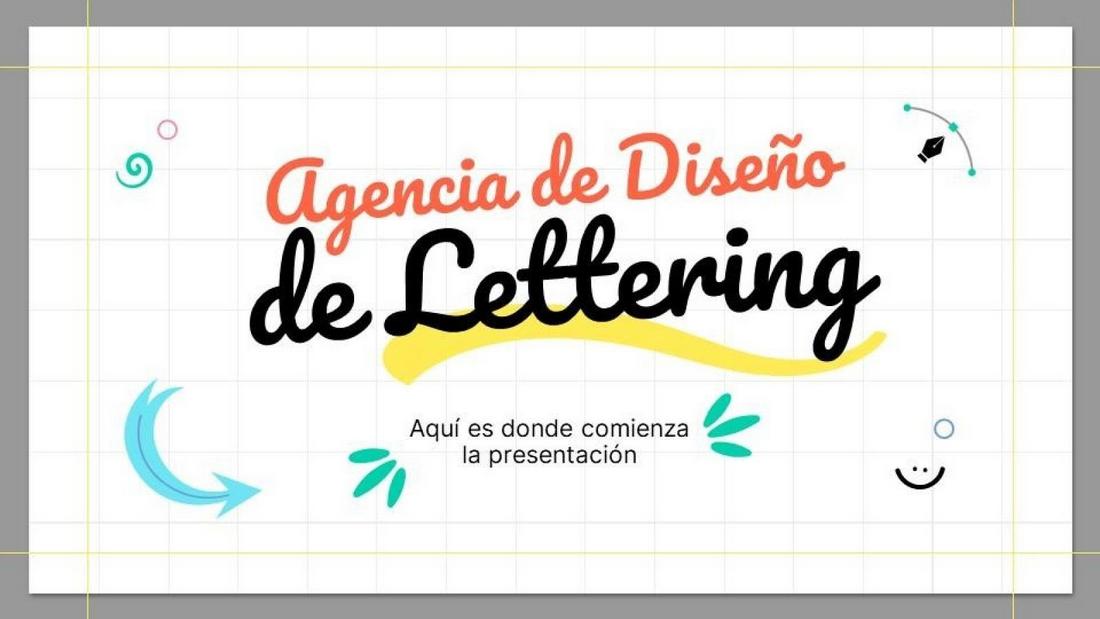
This creative template showcases animated elements and layered movement that make design portfolios and agency pitches feel lively and modern. It’s perfect for showcasing projects, team strengths, and creative work with visual flair.
Free Motion Graphics App Pitch Deck Presentation

Built for tech and app presentations, this template uses motion-driven transitions and parallax-style effects to give your pitch a sleek, professional feel. It works especially well for showcasing UI/UX screens, features, and roadmaps.
How to Create a Parallax Effect in PowerPoint in 8 Steps
Step 1: Prepare Your Background Image
Choose a high-quality image with clear foreground, middle ground, and background elements. Parallax works best when there is visible depth, such as landscapes, city scenes, or layered graphics.
Step 2: Duplicate the Slide
Insert your image on a slide, then duplicate the slide. You will use the second slide to create the motion effect between layers.
Step 3: Separate Image Layers
To create depth, you need separate layers. Use a photo editor to isolate foreground elements, or duplicate the image inside PowerPoint and crop different sections. Remove backgrounds where necessary so elements can move independently.
Step 4: Arrange Layers in Order
Place the background at the bottom, middle elements above it, and foreground objects on top. Use “Send to Back” and “Bring to Front” to control stacking order.
Step 5: Slightly Reposition Elements on Slide Two
On the duplicated slide, move foreground elements slightly more than background elements. For example, shift the foreground 1–2 inches and the background only slightly. This difference creates the illusion of depth.
Step 6: Apply the Morph Transition
Go to the Transitions tab and select “Morph.” Set the duration to around 1–2 seconds. Morph will automatically animate the movement between slides.
Step 7: Adjust Timing for Smooth Motion
Preview the slide. If the motion feels too fast or too slow, adjust the transition duration. Slower transitions usually feel more realistic for parallax effects.
Step 8: Add Optional Zoom or Fade Effects
For extra depth, slightly scale the background larger on the second slide or add subtle fade-ins. Keep it minimal so the effect feels smooth rather than distracting.